Automate Credential Issuance With the Pipedream Integration
Connect Wauld to Pipedream and issue verifiable certificates and badges straight from your workflows and code steps.
From a Pipedream workflow to a verified credential
Set up the integration once, then every trigger event in your connected apps issues a credential on its own, with full logs and observability built in.

A trigger event fires
An HTTP request, a Google Sheets row, or a GitHub event starts the workflow - Pipedream has triggers for 3,000+ apps.
Pipedream shapes the data
Pre-built actions and custom Node.js or Python code steps shape the data, and Pipedream handles authentication.

The credential is issued
The workflow passes recipient data to Wauld through an action or API request, and your template issues the credential in seconds.
The recipient receives their credential
A verifiable certificate or badge lands in the recipient's inbox, ready to share. Wauld can then send an event back into Pipedream to update a data store, sync your CRM, or post a Slack message.
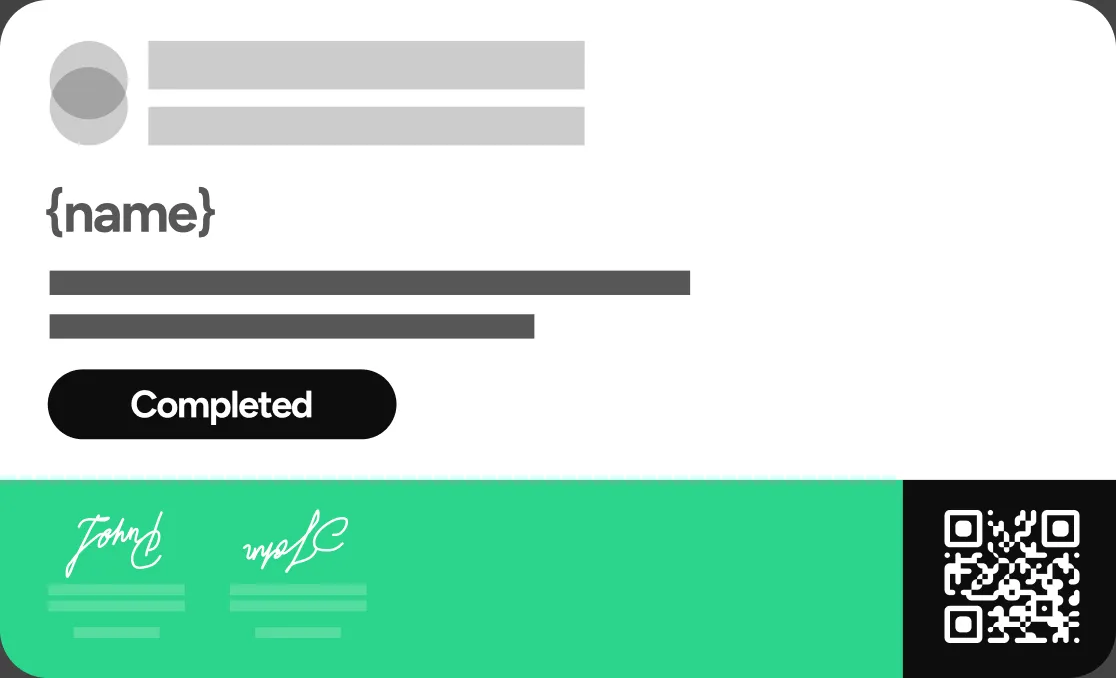
Developer Use Cases Teams Build on Pipedream
From a webhook to a scheduled cron job, here is how teams automate credential issuance without moving data by hand
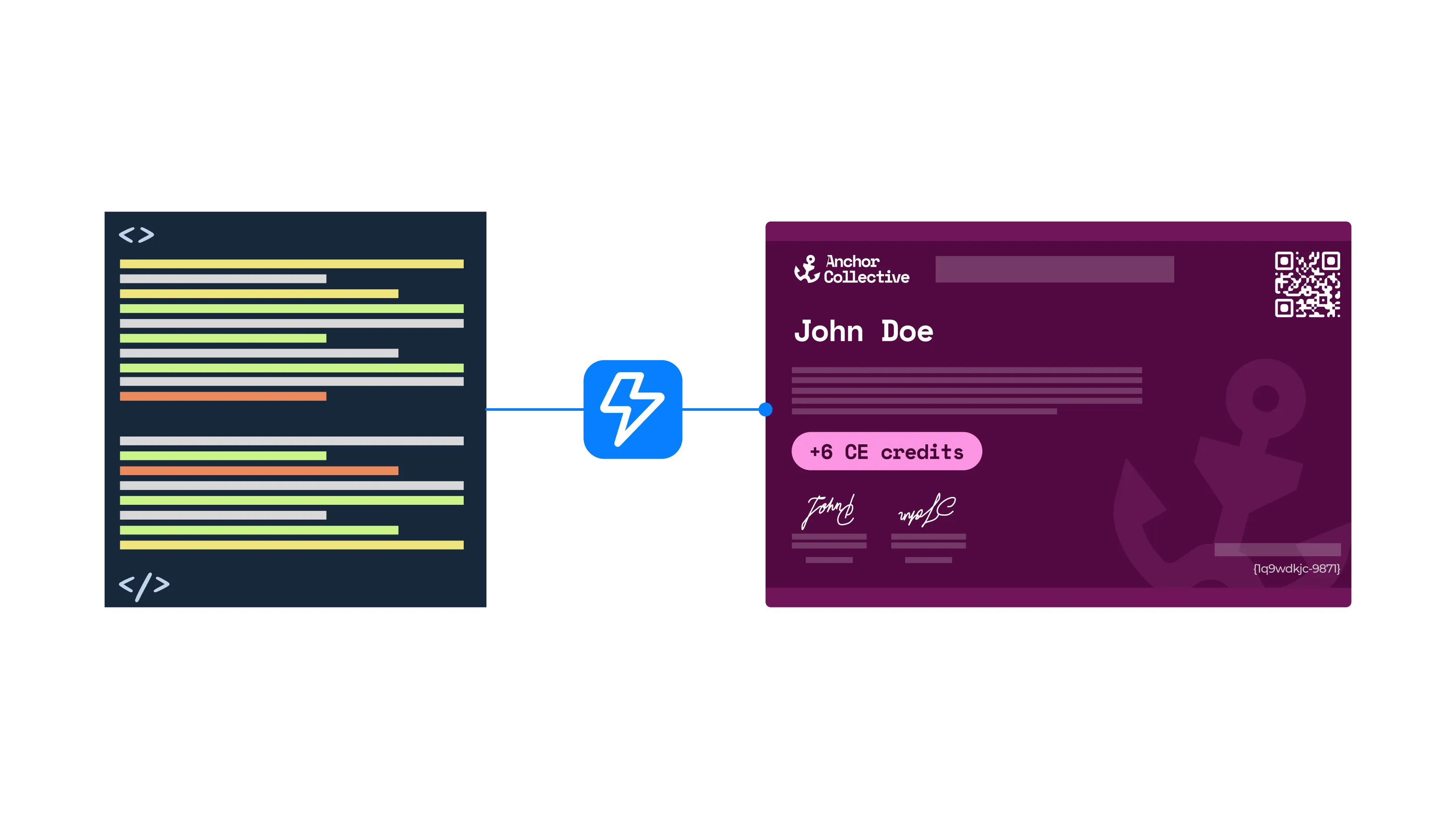
A webhook fires from your app
Every Pipedream workflow ships with a unique HTTP endpoint, so a POST request from your product, LMS, or internal tool triggers it and issues a credential in seconds.
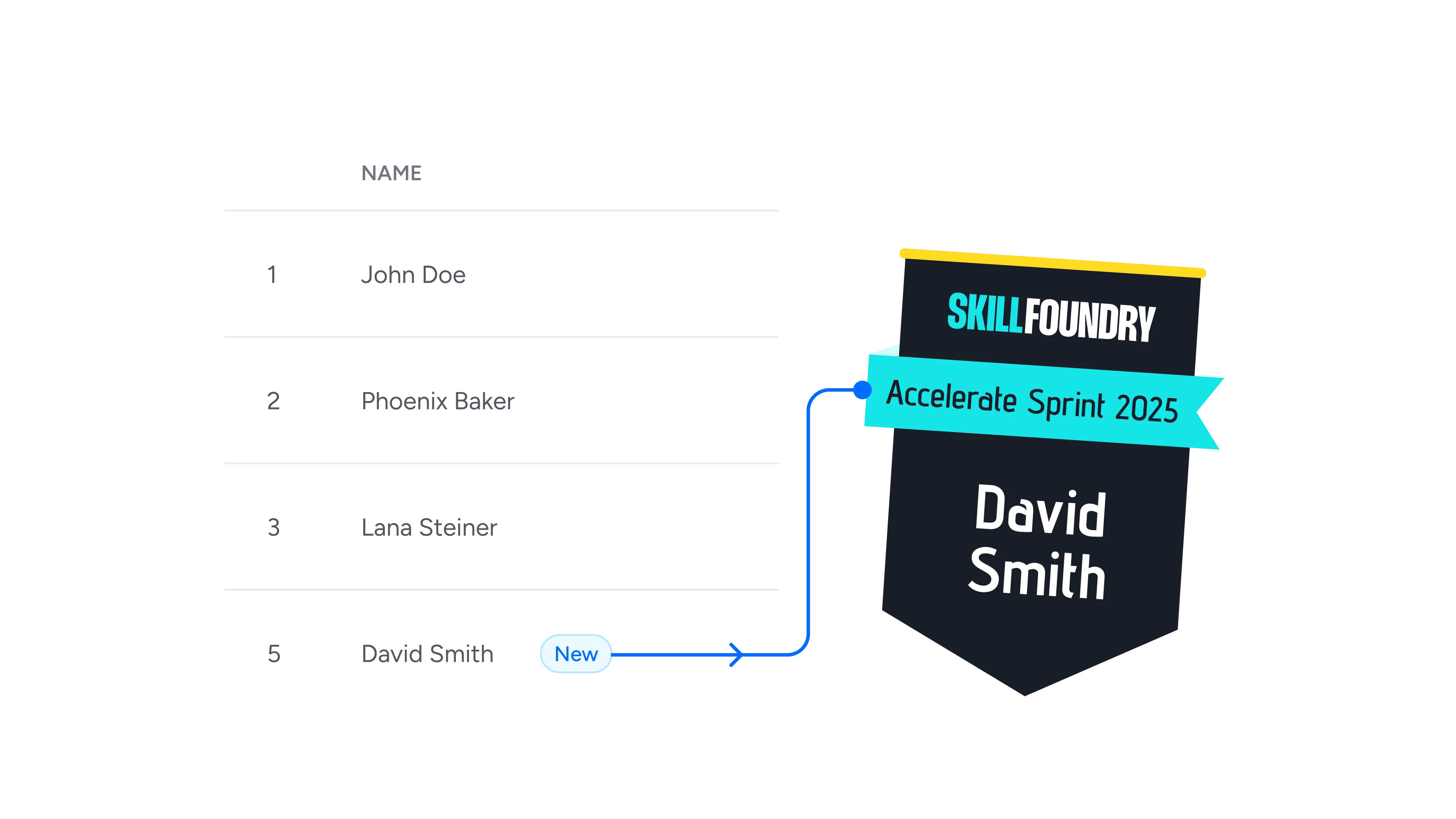
A new row is added to Google Sheets
A Google Sheets event source watches your tab and fires when someone adds a row, which turns a pasted list into a batch of issued credentials.
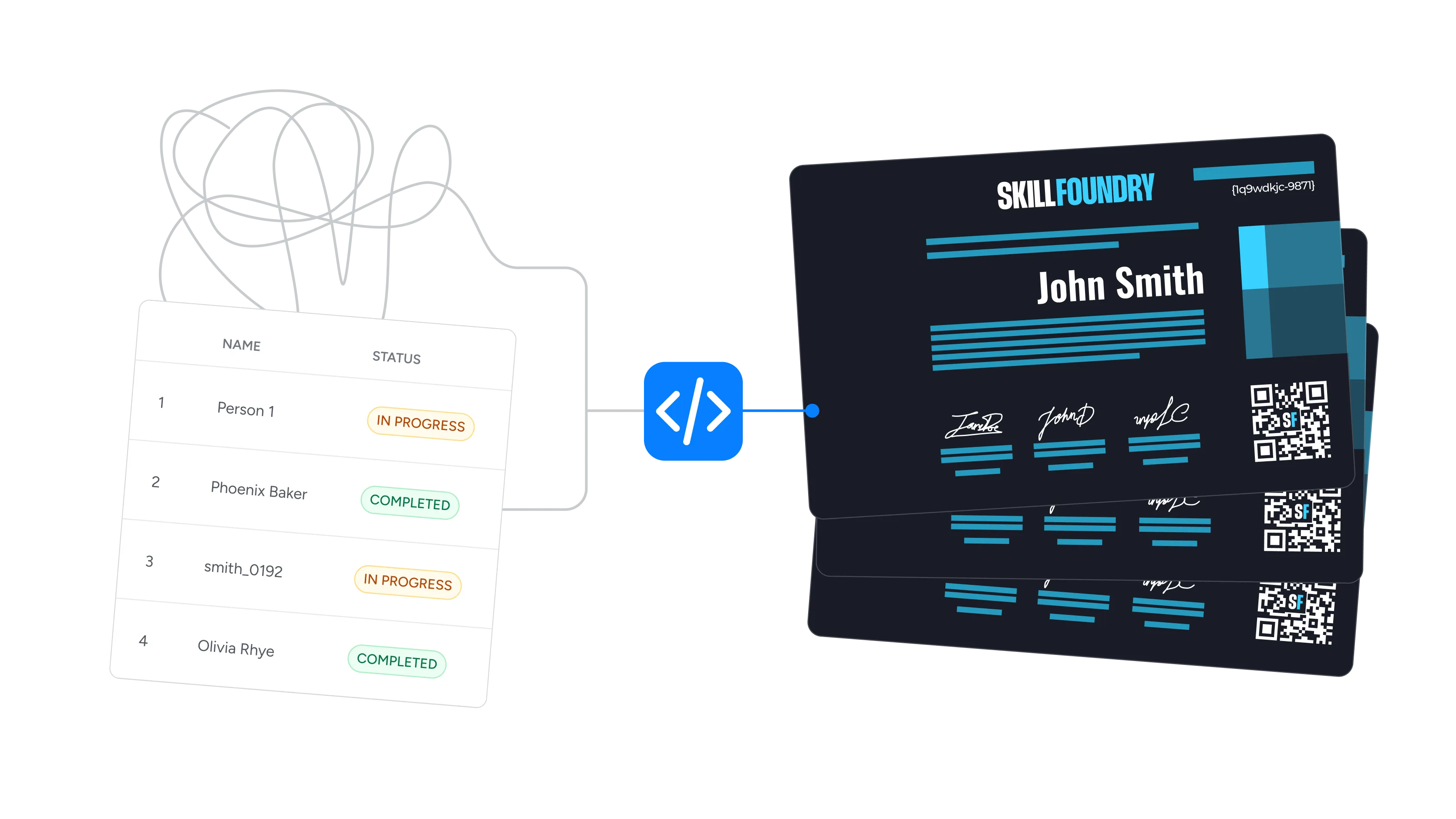
A code step shapes the recipient data
Drop in a custom Node.js or Python code step to clean names, split fields, or add custom logic before issuing - no glue code for you to host and maintain.
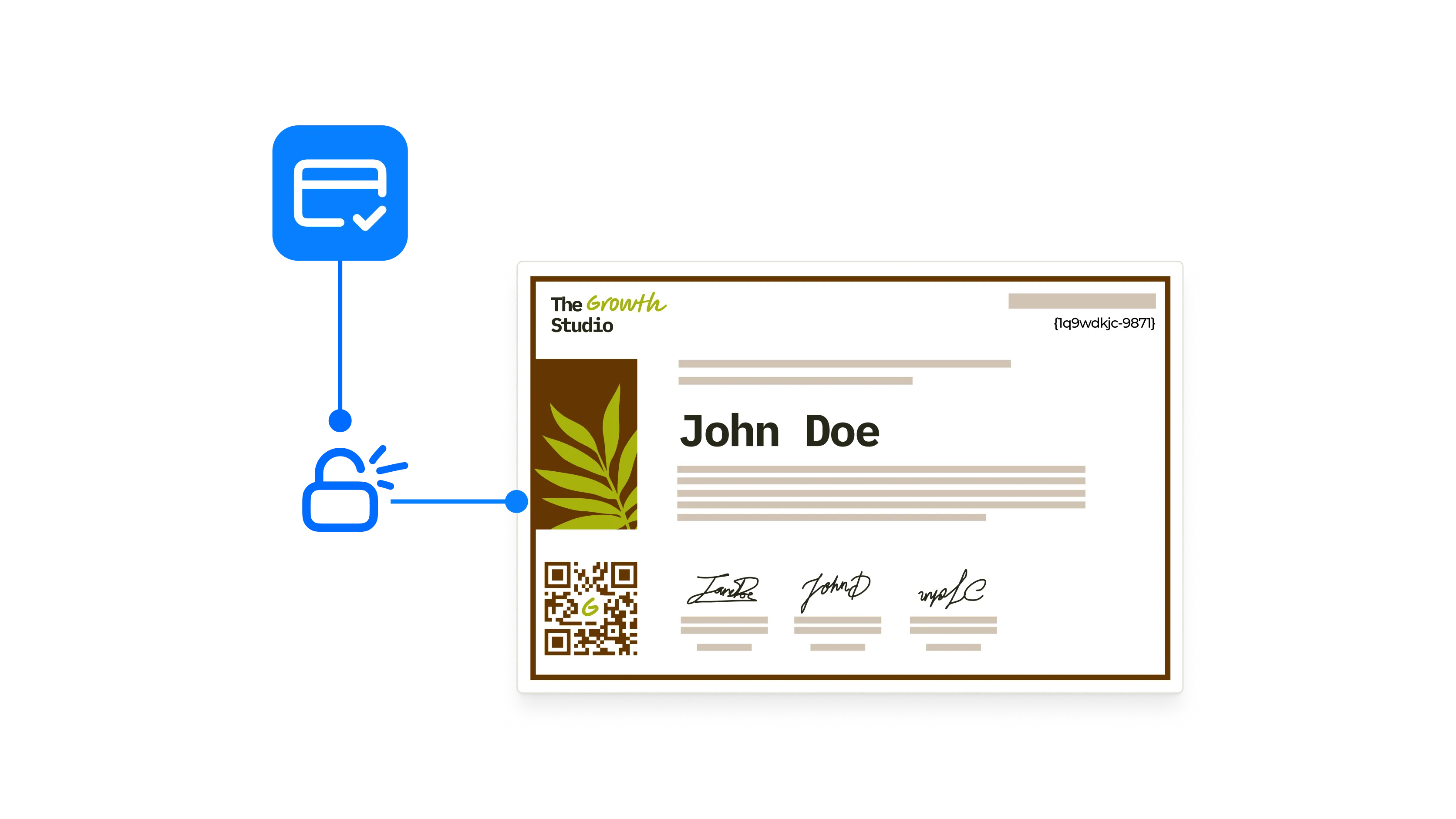
A payment clears in Stripe
Trigger a credential from a Stripe or PayPal event so paid courses and memberships confirm access the moment the charge goes through.
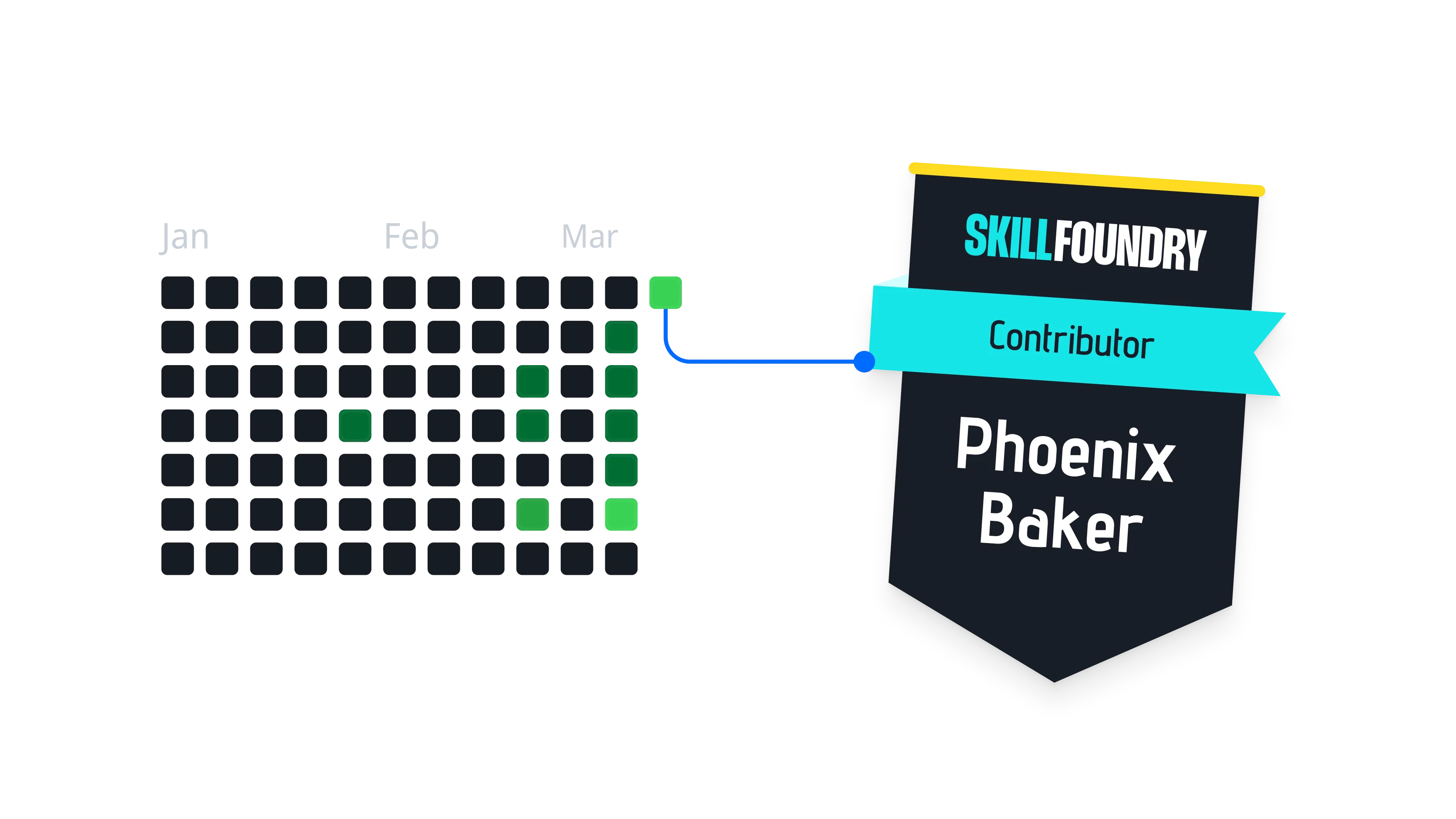
A GitHub event closes the loop
When a pull request merges or an issue closes in a GitHub repo, issue a contributor or training credential without anyone touching the dashboard.
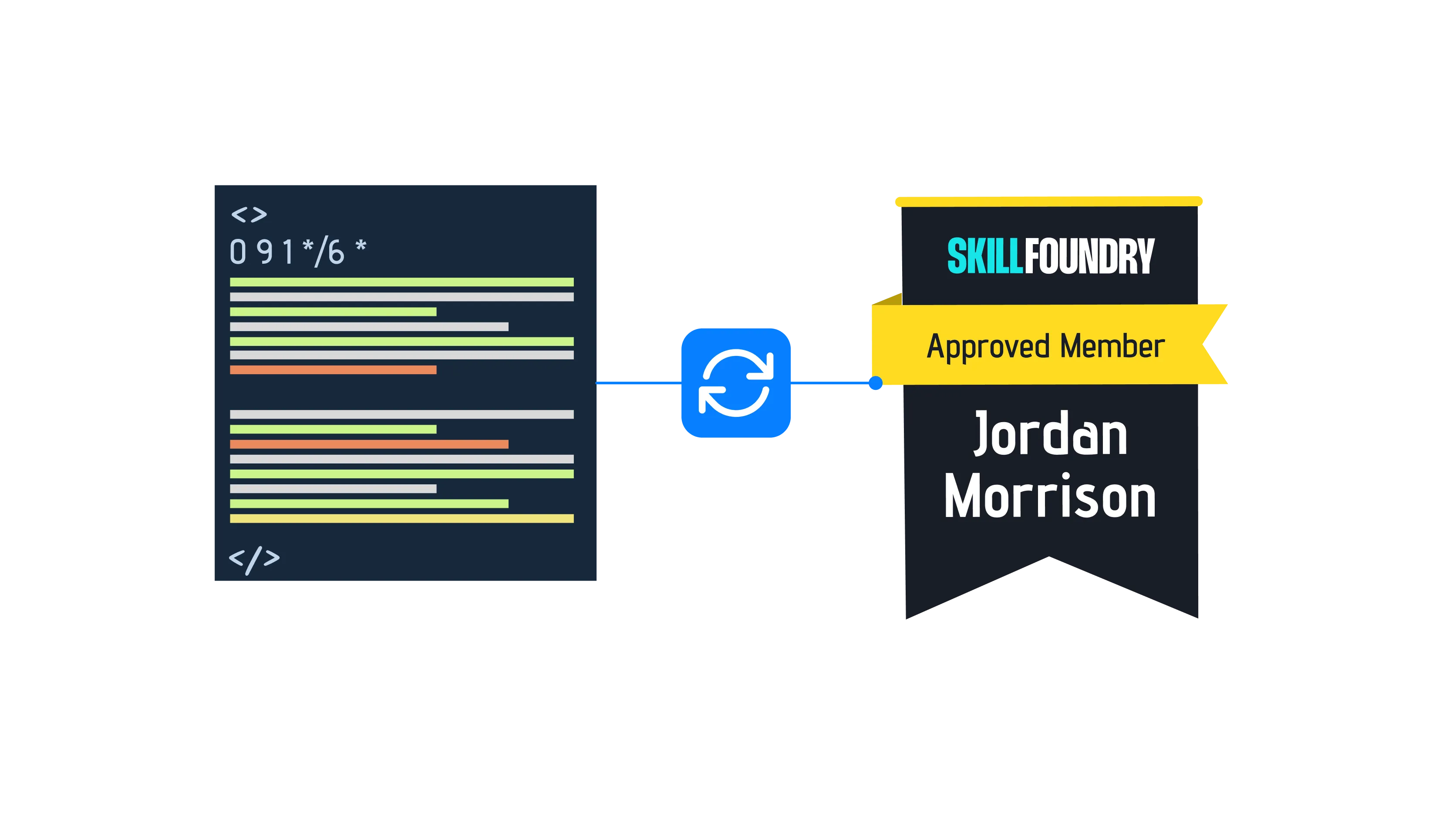
A scheduled workflow runs on cron
Use a cron trigger to reissue compliance certificates on a fixed cycle, so recertification never waits on someone remembering to run it.
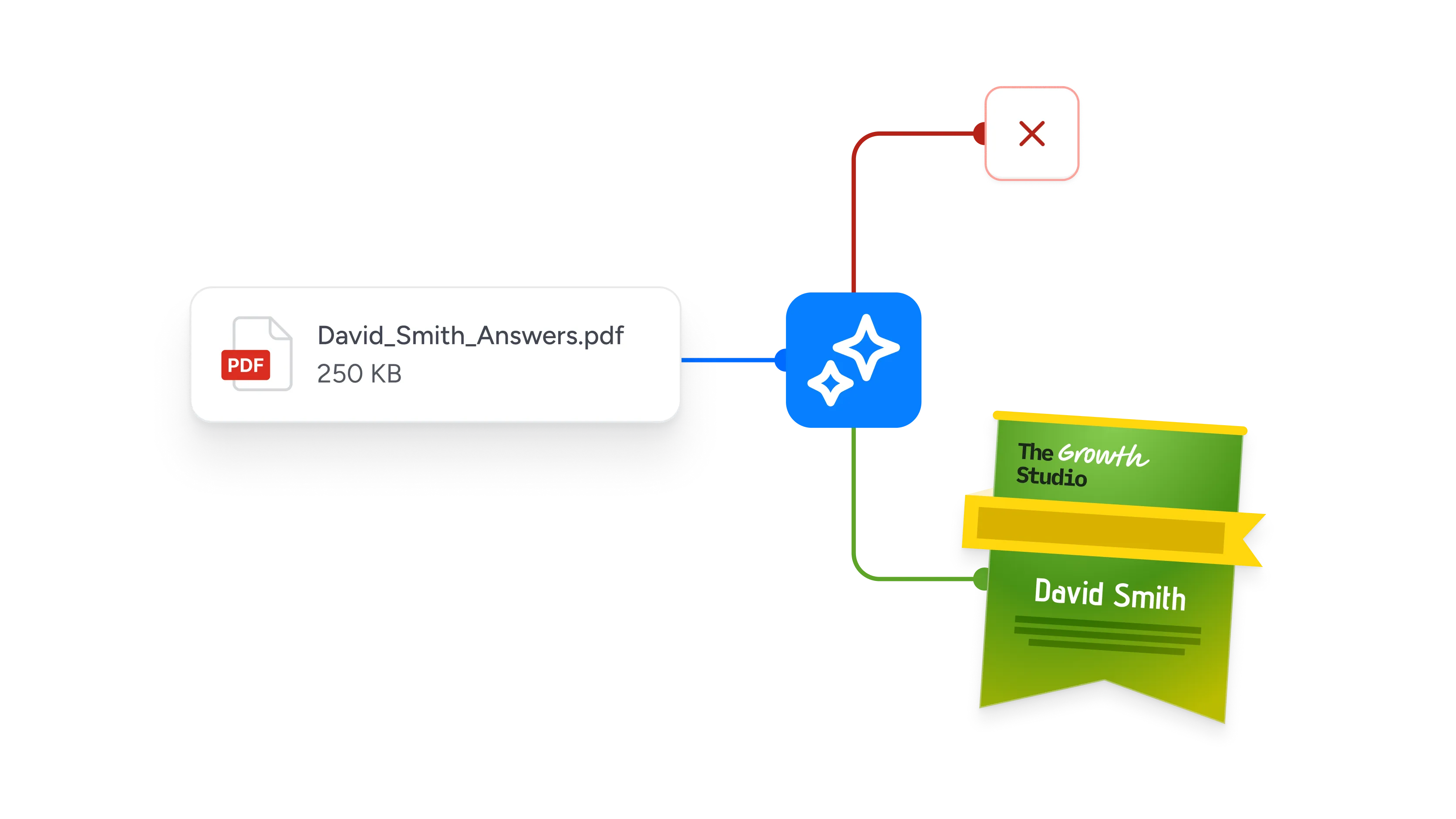
An AI agent requests a credential
Expose issuance as a tool through Pipedream's MCP server so AI agents can issue and verify credentials as one step in a larger task.
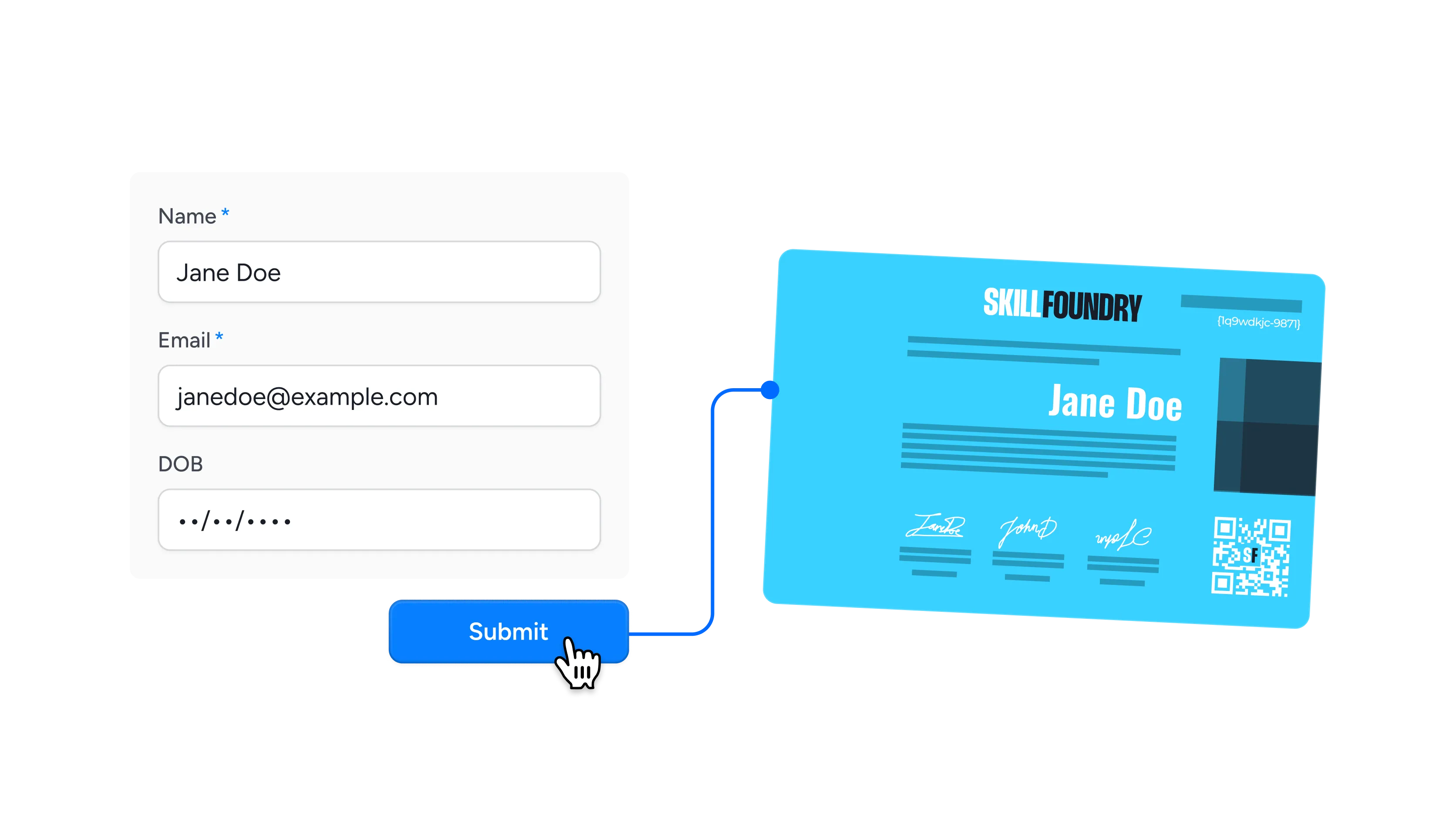
A form submission lands from Typeform
Typeform, Jotform, or Google Forms passes the entry to Pipedream, and the registrant has a verifiable certificate before they close the tab.
Connect Wauld to 3,000+ Apps and APIs Through Pipedream
Pipedream is the fastest way to connect APIs, linking Wauld to 3,000+ integrated apps. Almost any SaaS tool that records a completion can issue a credential:
Forms & surveys
- Typeform
- Jotform
- Google Forms
- SurveyMonkey
Spreadsheets & databases
- Google Sheets
- Airtable
- Notion
- PostgreSQL
Payments & commerce
- Stripe
- PayPal
- Shopify
Developer & DevOps
- GitHub
- GitLab
- AWS
CRM & marketing
- HubSpot
- Salesforce
- Mailchimp
Messaging & comms
- Slack
- Discord
- Twilio
Plus AWS, Zoom, Calendly, Webflow, Linear, OpenAI, and thousands more - all with managed OAuth, so you never store a token yourself.
Fit Wauld Into Your Workflow Automation Stack
Wauld plugs into the workflow automation platform your team already runs on. Pipedream is the developer-first route, with pre-built triggers and custom Node.js code.





Why Developer Teams Choose Wauld for Credentialing
Wauld is purpose-built for issuing and verifying credentials, so you add certificates and badges to any Pipedream workflow without building a credentialing system yourself
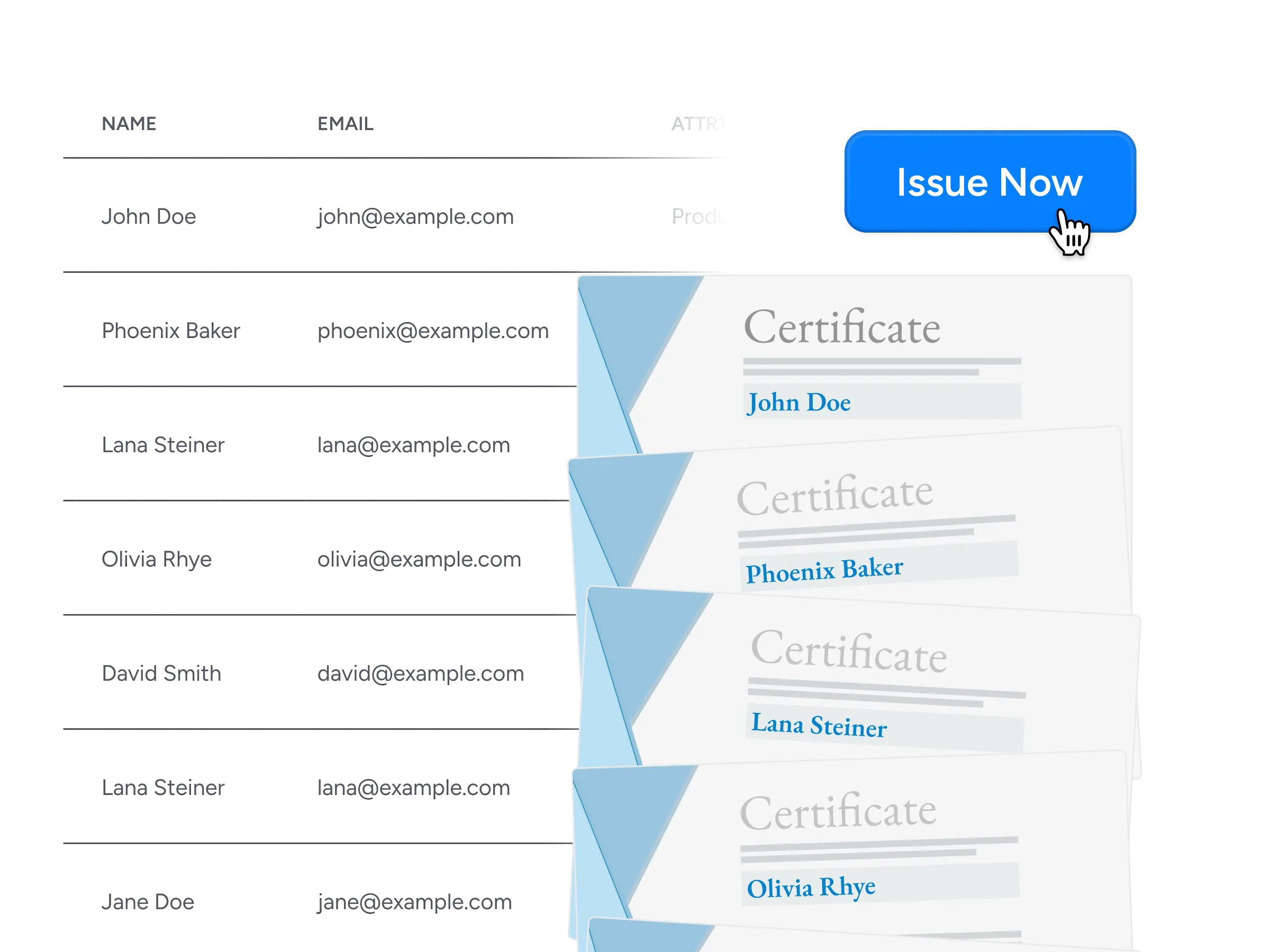
Bulk issuance
Issue thousands of certificates and badges at once from a CSV, an API call, or an automated workflow, so an entire cohort is recognized in minutes instead of one record at a time.

Digital badges
Design digital badges in your own brand colors and fonts that recipients can pin to a LinkedIn profile, an email signature, or a personal site.
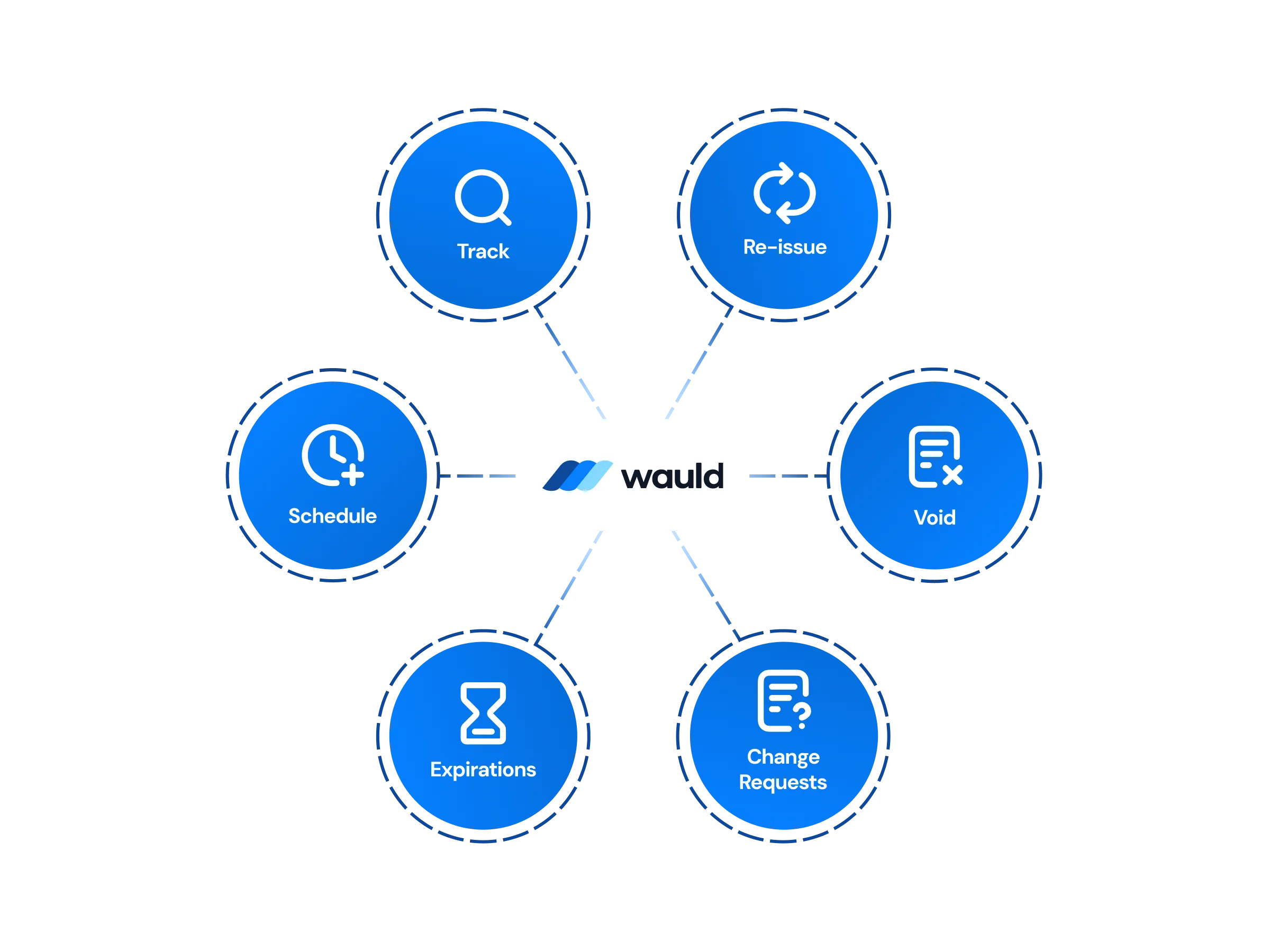
Central Management of certificates
Design, issue, reissue, and void every credential from one dashboard, with workspaces and role-based permission controls sitting on top of enterprise-grade security.
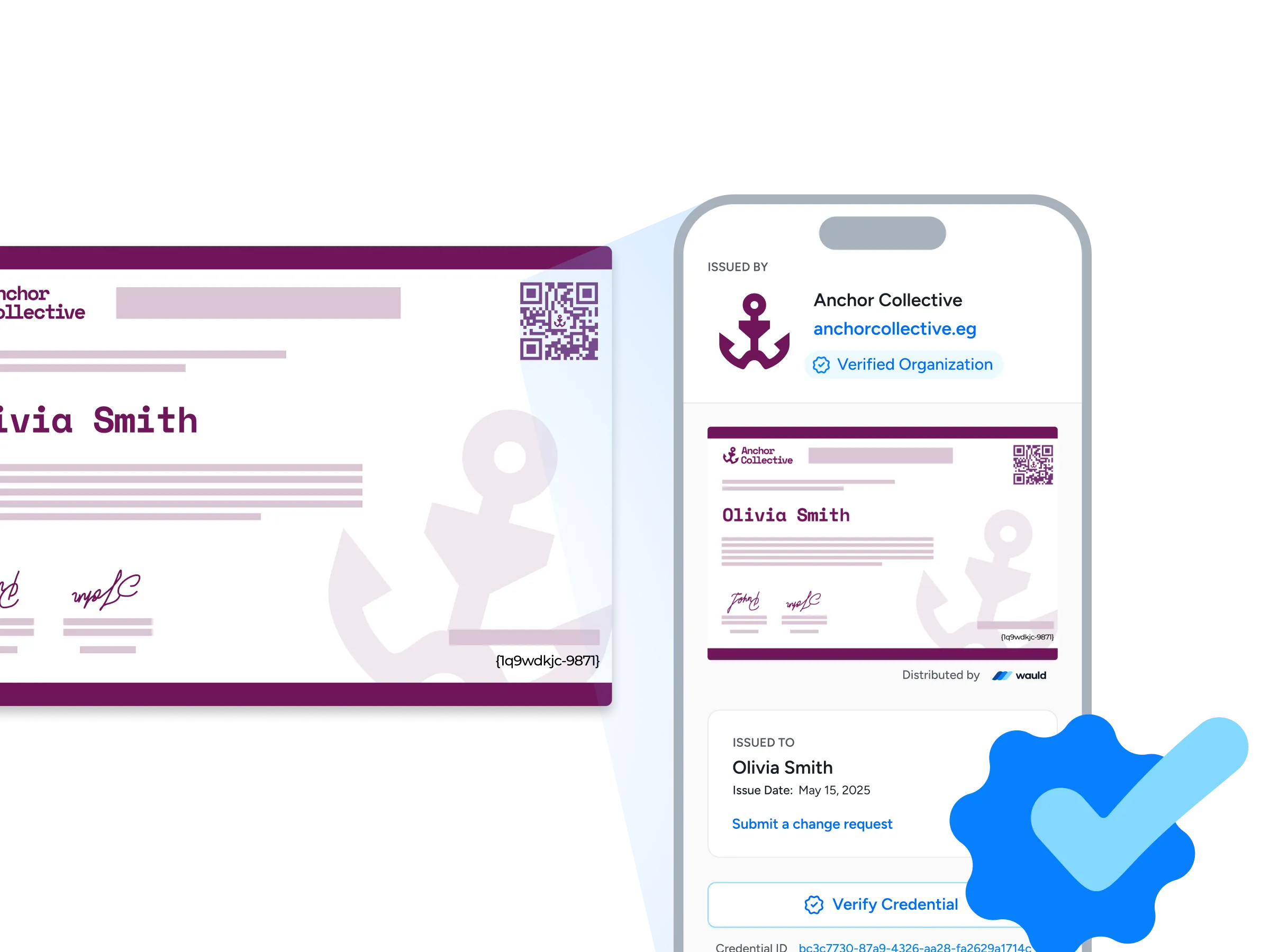
Verification pages
Each credential carries its own verification page showing your organization URL and a verified organization badge, so anyone can confirm it in seconds with a single click or a quick QR scan.
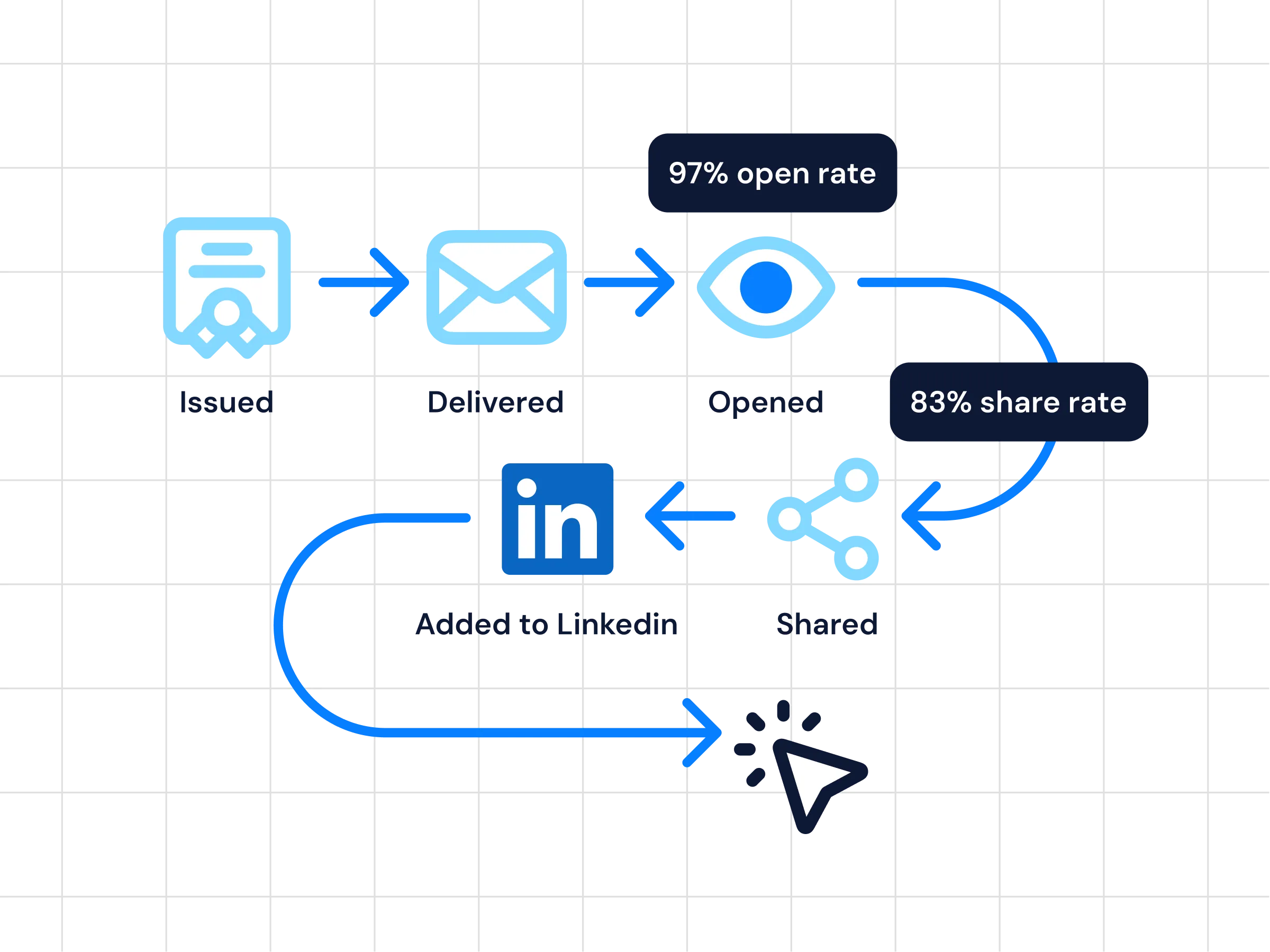
Analytics
Follow every credential with real-time reporting on issuance, opens, shares, and verification activity, so you can see which programs are landing.
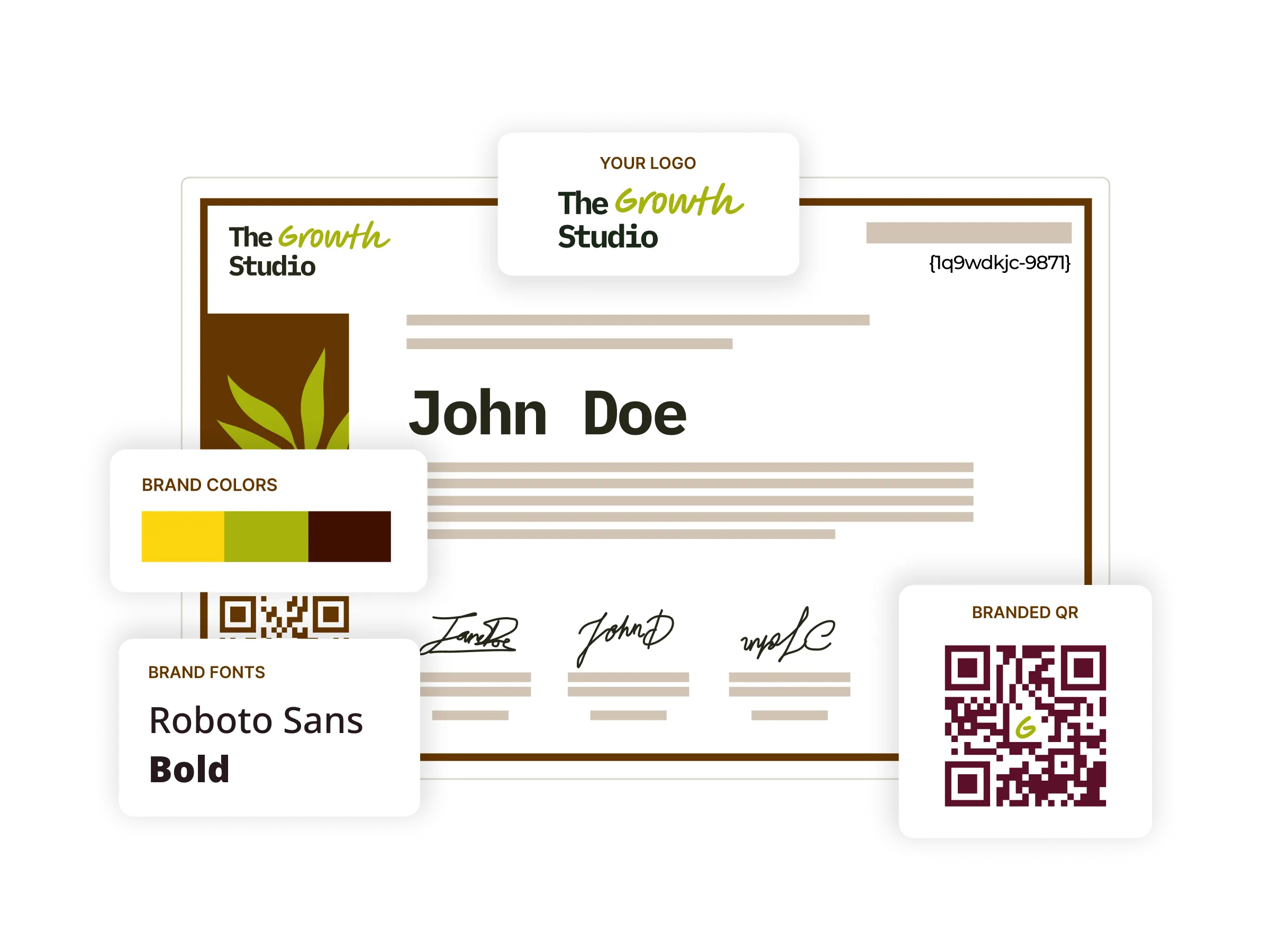
Digital certificates
Start from 1,800+ certificate templates, tune them to your own brand, then issue and track each one from a single platform, so your whole credentialing workflow stays in one place.
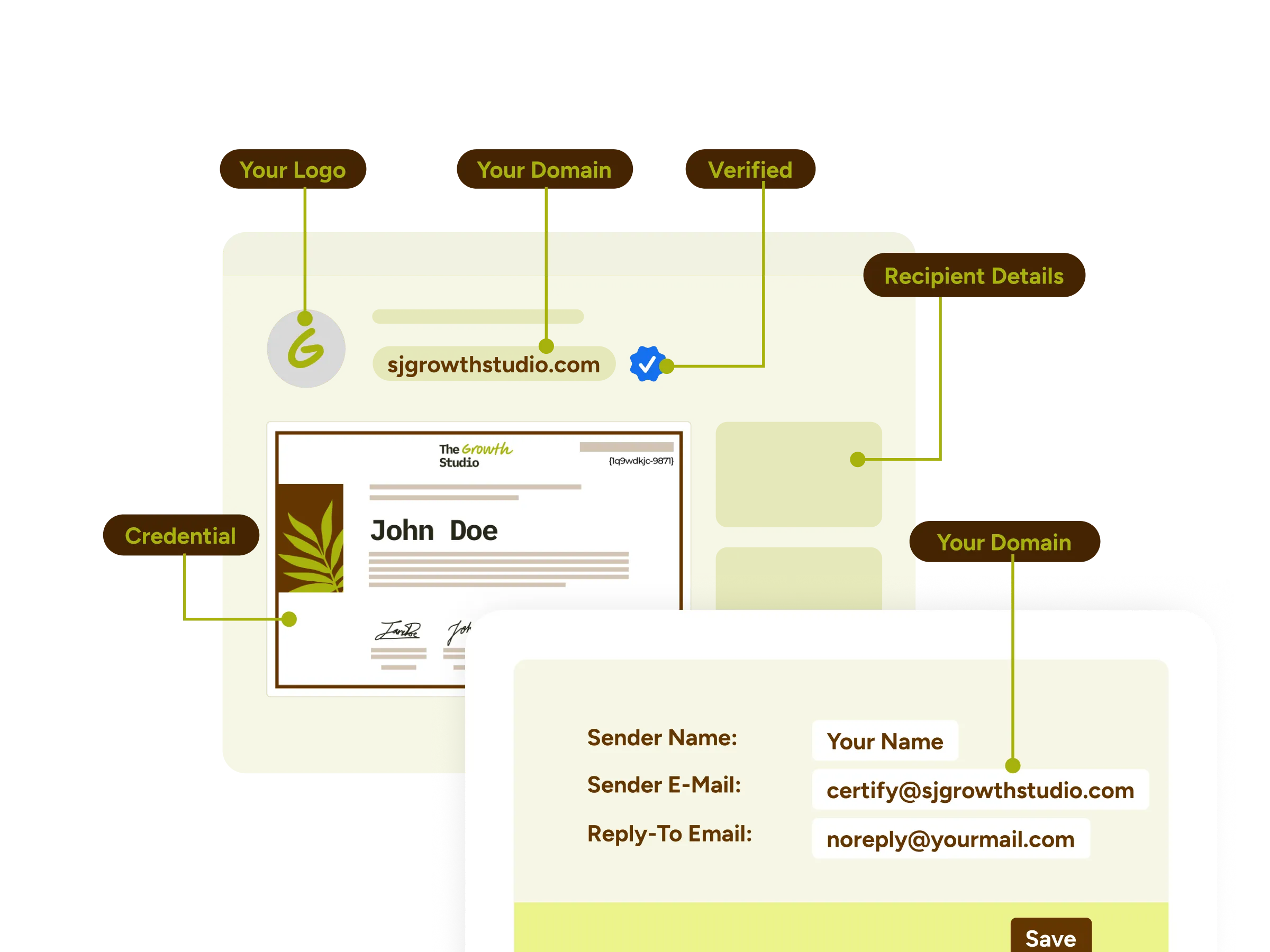
White-label experience
Deliver a fully branded credentialing experience end-to-end, with custom domains, email templates, and credential wallets that carry your organization's identity rather than ours.
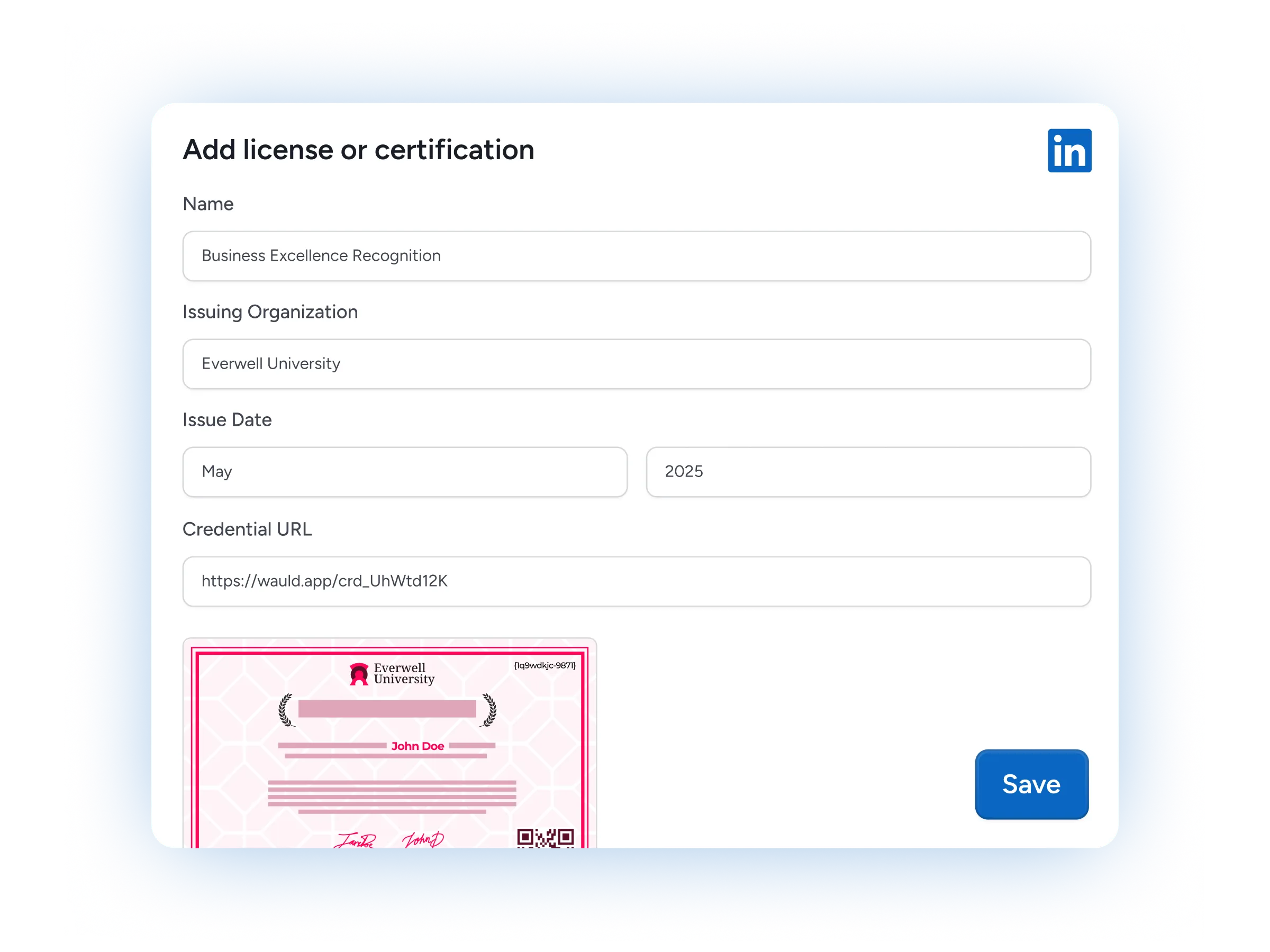
LinkedIn Sharing
Recipients add a credential to their LinkedIn profile in one click, putting your programs in front of their entire professional network.

Certificates as Marketing Assets
Turn each credential into a growth channel as recipients share their achievement across LinkedIn and social media, extending your brand's reach with every issue.
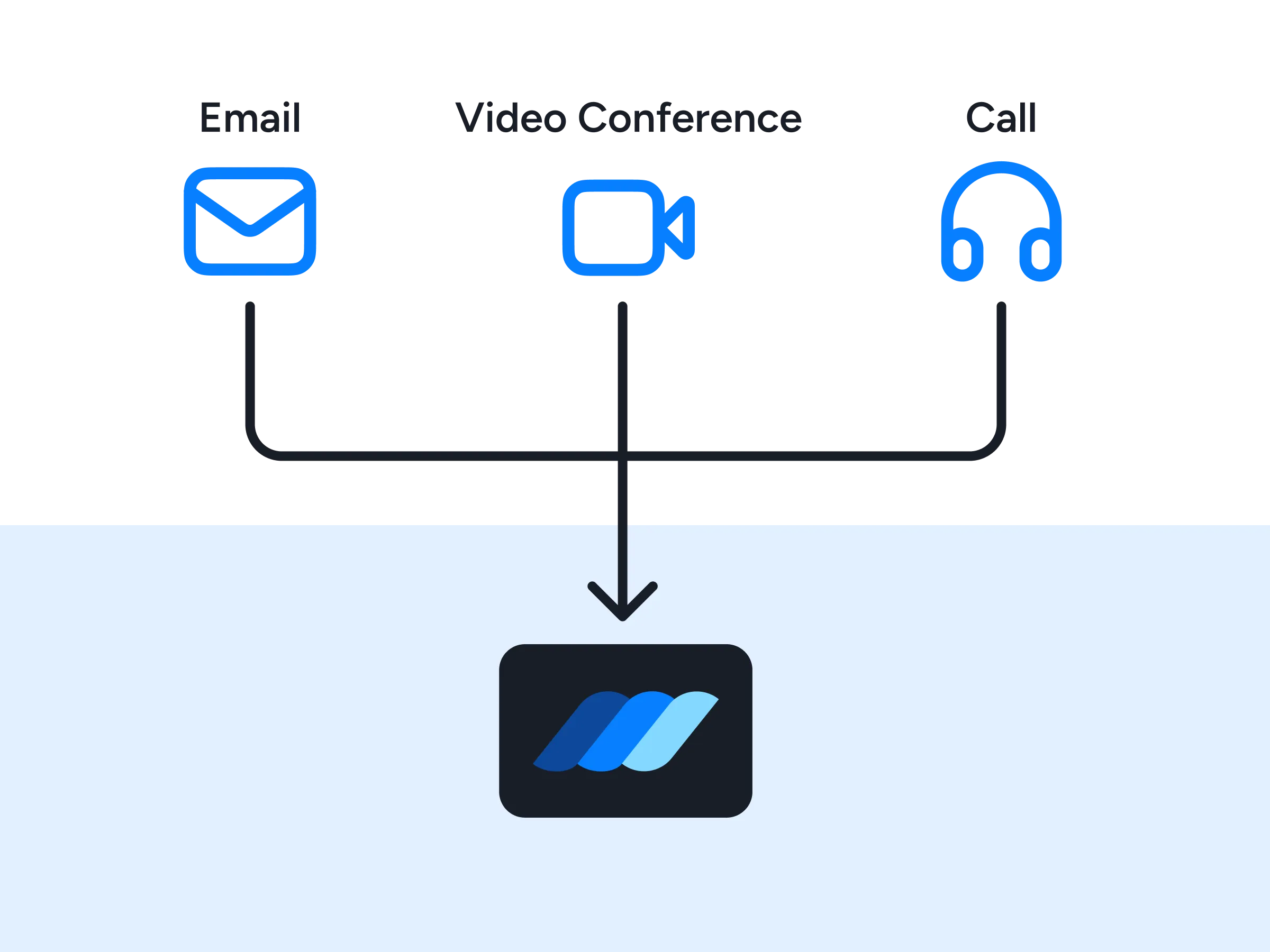
Premium Support
Get priority help from our team, with dedicated onboarding, implementation guidance, and fast response times whenever you need a hand.
FAQs
Everything you need to know about the Pipedream integration and issuing digital credentials
How do I integrate Wauld with Pipedream?
You need a Pipedream account and a Wauld account to begin. Create a workflow, choose a trigger - an app event or the unique HTTP endpoint every workflow ships with - then add a step that passes recipient data to Wauld, either through a pre-built action or an HTTP request to Wauld's API. Map the recipient's name, email, and the template you want to use, send a test event to confirm the data lands, and deploy. Most teams build a working workflow in well under an hour.
Do I need to write code to use the Pipedream integration?
No, but you can. Pipedream runs on pre-built triggers and actions you connect with a few clicks, so a basic workflow needs no code at all. When you want more control, drop in a Node.js or Python code step to run custom code, call any REST API, or import an npm package. That blend of low-code and full code is what sets the Pipedream platform apart from Zapier.
Which apps can I connect to Wauld through Pipedream?
Pipedream integrates 3,000+ apps and APIs across forms, payments, databases, CRM, developer tools, and messaging - Stripe, GitHub, Google Sheets, Airtable, Slack, HubSpot, and thousands more. If an app is not in the registry yet, Pipedream can still call its API from an HTTP request or a code step, so almost nothing is out of reach.
Does Pipedream handle authentication for connected accounts?
Yes. Pipedream manages both OAuth and key-based authentication for every connected account, including the OAuth flow and token refresh, so you never build auth or handle token management yourself. Pipedream Connect extends that same managed auth to integrations you embed in your own product for your users.
Can I issue credentials to a whole cohort at once?
Yes. Point a workflow at a Google Sheets tab or a CRM list, loop over the rows, and Pipedream issues a credential for every person in the cohort. For a one-off batch you can skip automation entirely and upload a CSV directly in Wauld.
Can I start a Pipedream workflow when a credential is issued in Wauld?
Yes. Wauld can send a webhook to a Pipedream HTTP endpoint the moment a credential is issued, so a workflow starts right away and carries that data forward. Connect your Slack account and send a message to the right channel, update a data store, or sync the details into your CRM.
Is Pipedream secure enough for credential data?
Pipedream is SOC 2 Type II certified and runs your workflows in a serverless environment with no infrastructure for you to manage, and its component registry is open-source and source-available for anyone to review. Credential data passes straight from your connected apps to Wauld, which is why enterprise customers are comfortable running credentialing this way.
Which Wauld pricing plan includes the Pipedream integration?
The Pipedream integration is available on all Wauld plans, including the Free plan, so you can create a free Wauld account and start to automate credential issuance on the free tier right away. As your programs grow, higher tiers add white-label branding, bulk issuance, and deeper analytics.
What happens to my issued credentials if I downgrade or cancel my paid plan?
Once issued, your digital credentials remain valid and accessible to recipients even if you cancel your subscription. After your plan expires, features exclusive to paid plans will no longer be available, but all features included in the free plan will continue to work.
Start Issuing Certificates From Pipedream Today
Create your free Wauld account and issue your first certificate in minutes.
Talk to an Expert