





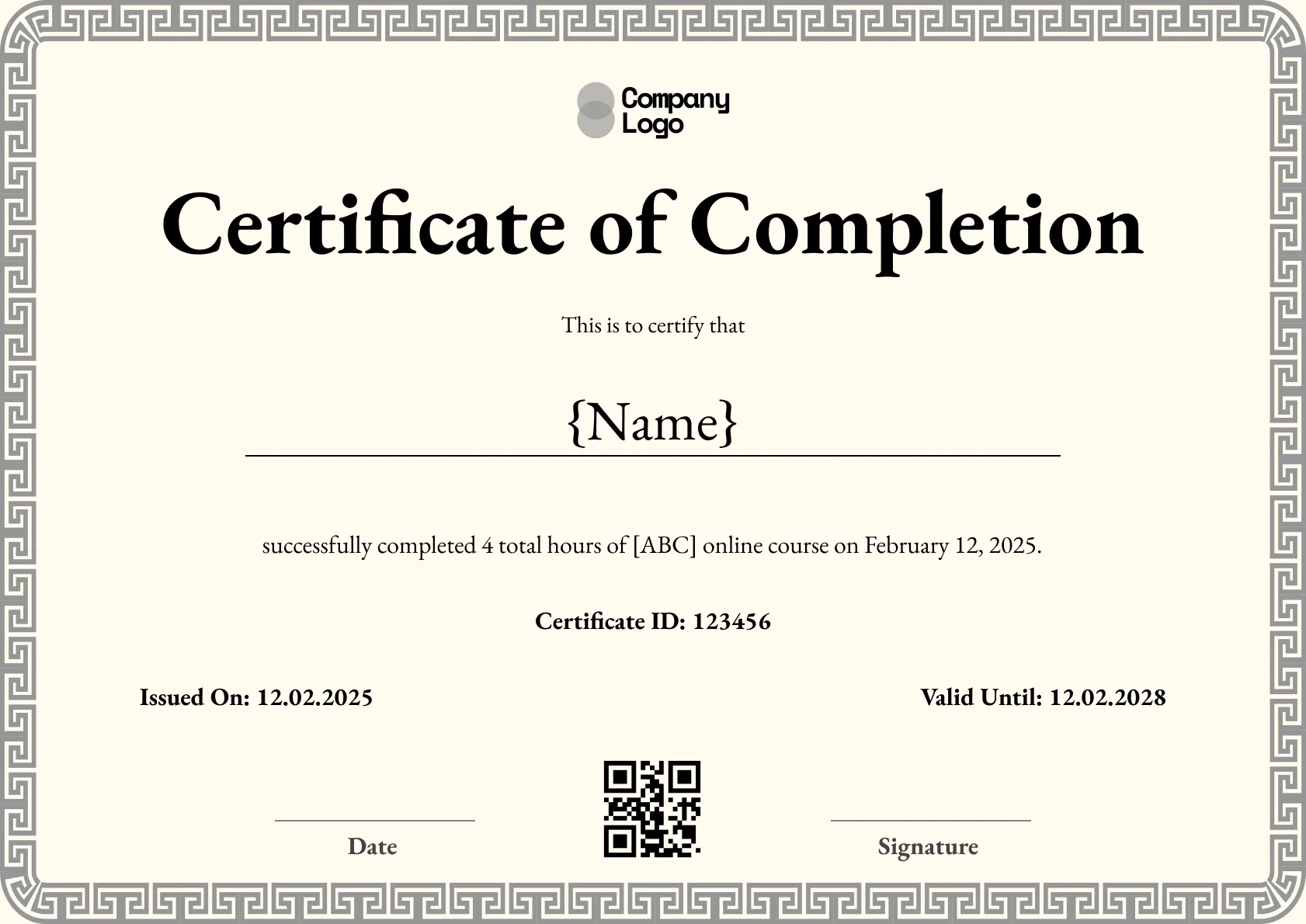
Course Completion
We're a SourceForge Top Performer for Digital Credential Management.Read the announcement
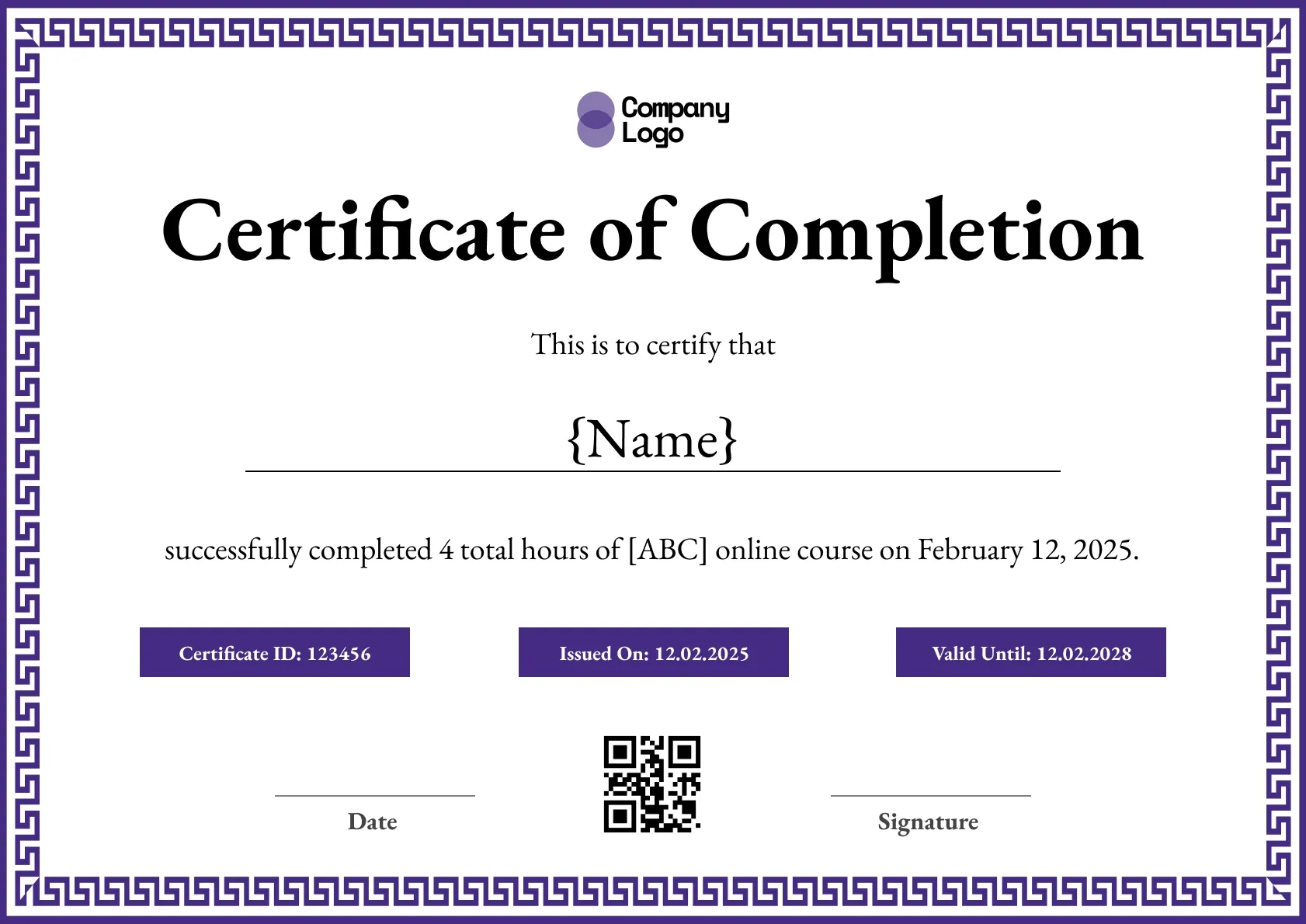
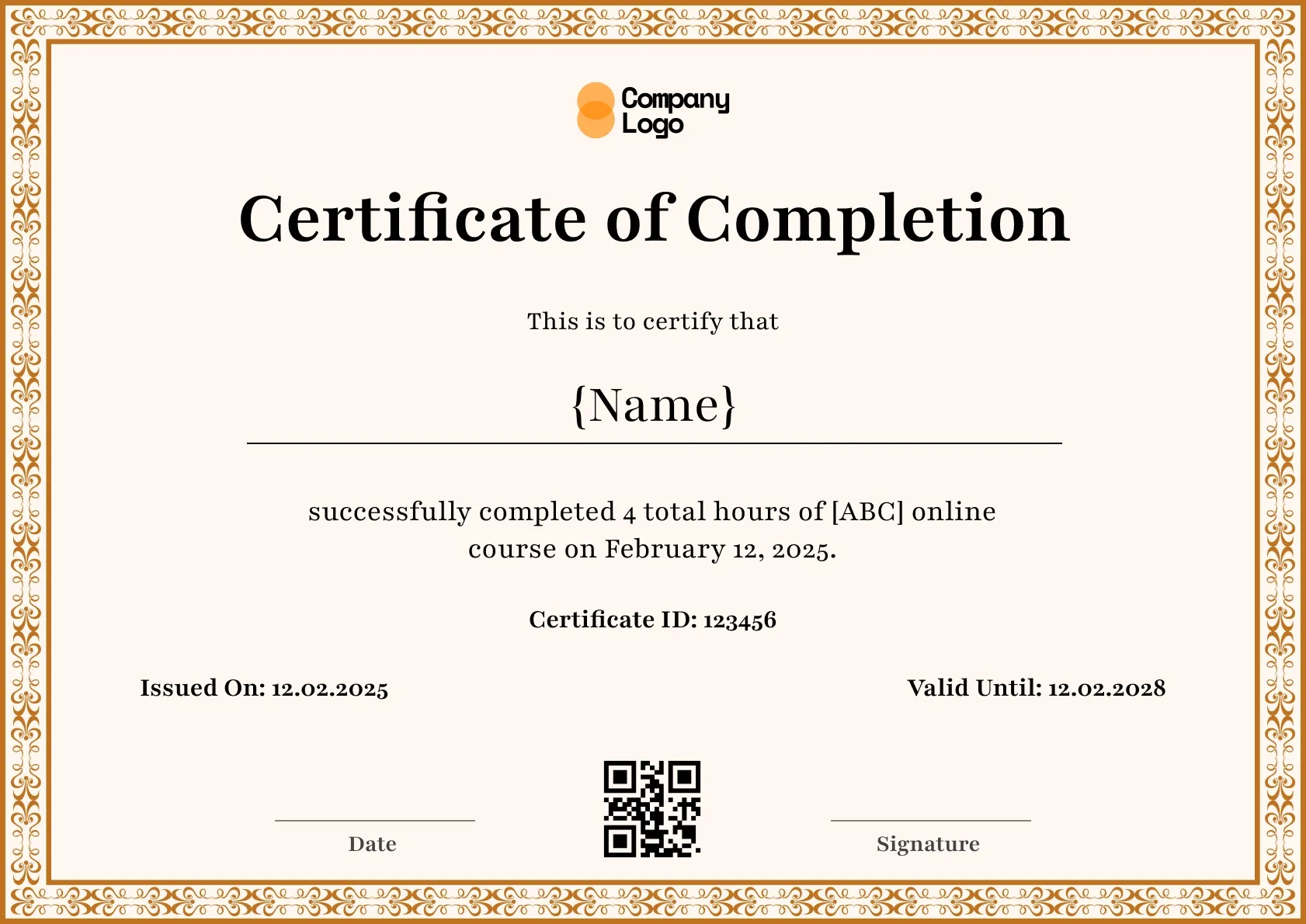
Course completion certificate with a training hours field, in classic purple. Add the learner, course and date, then issue free with QR verification.
Use this templateBEST FOR
CATEGORIES
Every issued certificate gets a unique QR code linking to a live verification page.
Upload a CSV and issue personalized certificates to hundreds at once.
Each recipient gets a public URL for LinkedIn, portfolios, and email signatures.
Connect Wauld to the tools you already use to automate issuing and delivery.
A course completion certificate that puts training hours on the page, framed in classic purple for a formal finish. It suits courses that log hours for a professional body or an internal record, and it reads clearly in print or on a screen.
Key Features:
Every certificate holds the learner name, course title, training hours, completion date, the issuing body, and a QR verification link that lets an employer or association confirm the record.
Set the wording once in Wauld, customize the colors, and issue certificates one at a time or in bulk. Because the hours are recorded on the certificate and in the verified record behind it, a learner can log the credit and prove it later, and you can reuse the saved design across every course that reports training hours.
You can set the certificate to A4 or US Letter, so it fits the paper your region uses when a learner prints it for a file or a frame. Academies that run the same course each term save time this way: the design, the hours field, and the wording are all reusable, so issuing a new cohort is a quick update rather than a rebuild. Learners, meanwhile, get a record whose hours an employer can actually confirm.
SAMPLE WORDING
Customize the template
Edit the wording, colors, logo and fields in the Wauld editor so the certificate matches your course.
Add your learners
Enter recipients one by one, upload a CSV, or connect your LMS to pull them in automatically.
Issue with verification
Send each learner a certificate with its own QR code and verified online record they can share.
Running your course on an LMS? Connect it with Wauld, for example through the Moodle integration, to issue certificates automatically as learners finish.
Find answers to the most common questions about this template.
A clear online course certificate names the learner, the course title, and the completion date. Many also show the number of hours, the instructor or issuing body, and a verification link or QR code so the achievement can be confirmed.
Yes. Add a field for CPD or CE hours anywhere on the template, alongside the course title and date. This helps learners log the credit with their professional body, and every certificate still carries a verification link employers can check.
Yes. Every certificate you issue with Wauld includes a QR code and a verified online record. Recipients and employers can scan or click to confirm the certificate is genuine and view its details.
Yes. Every certificate template on Wauld is free to use. You can edit the design, add your details, and download or share the finished certificate at no cost.
Connect your forms, learning platforms, and other tools to Wauld through these integrations to automate certificate delivery.
Course Completion
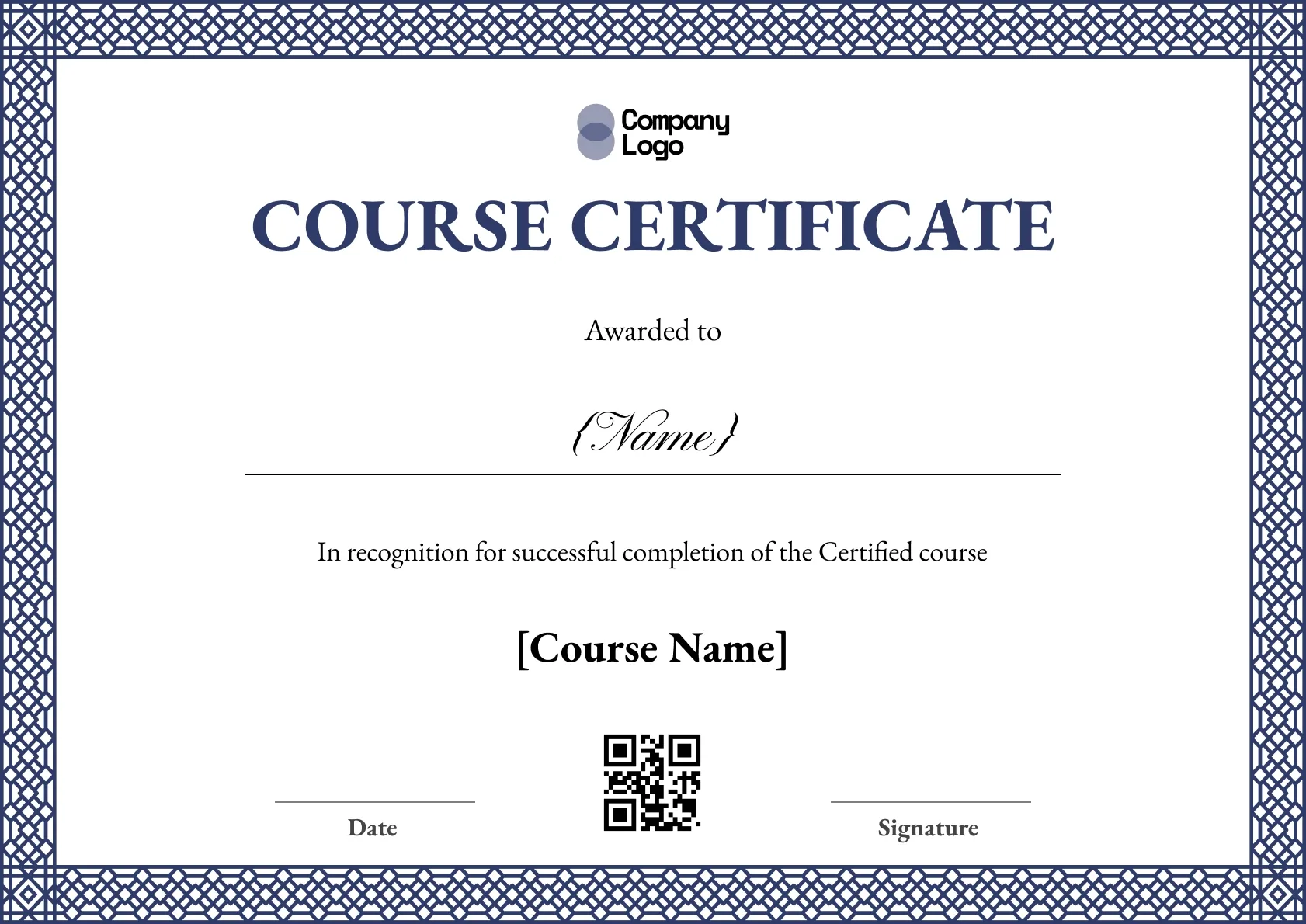
Course Completion
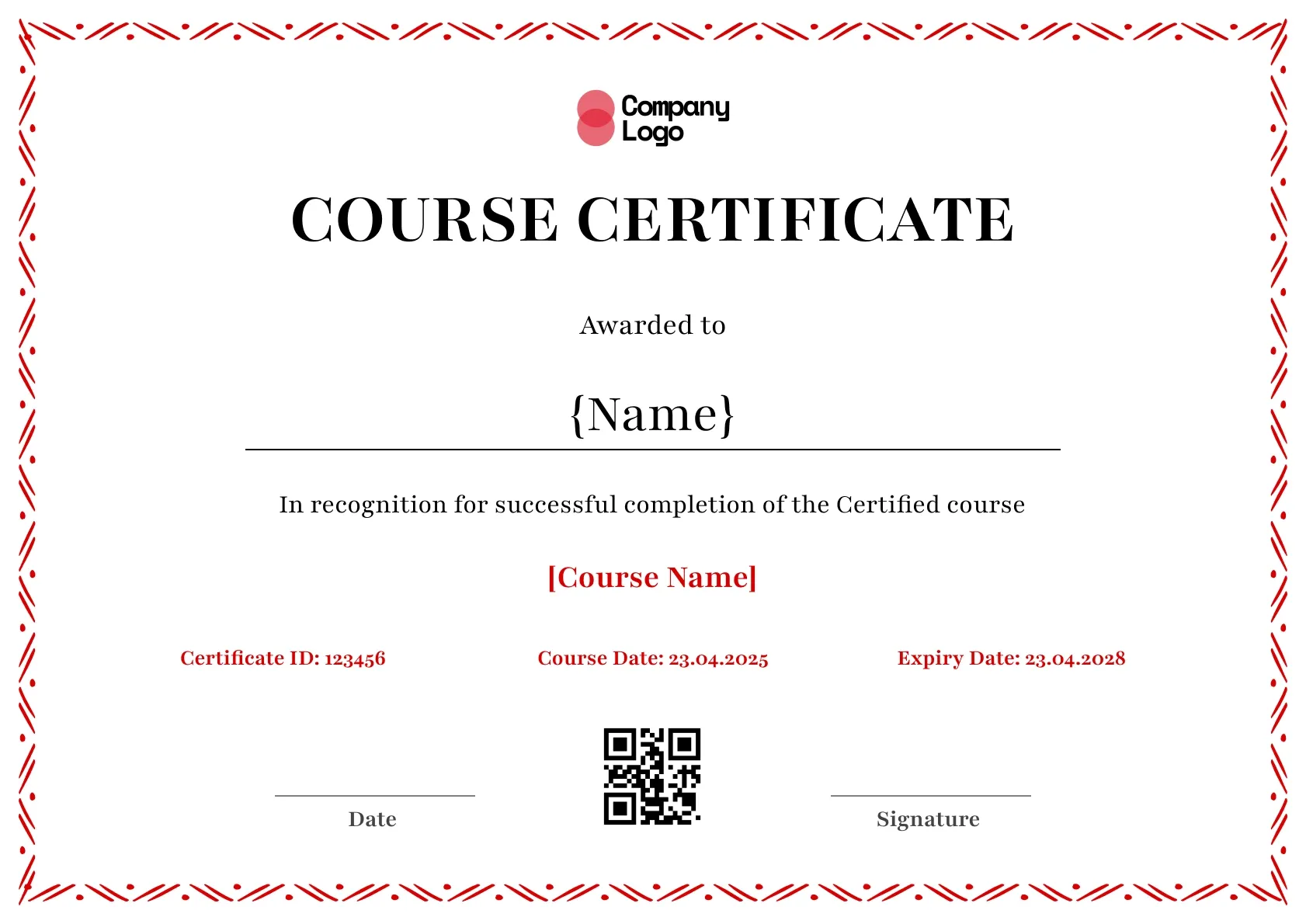
Course Completion
Course Completion
Certificate Templates & Design

Certificate Templates & Design


Digital Credentialing

Customize this template and issue verifiable credentials in minutes. Free for up to 300 credentials, no credit card required.
Sign up for free